
Filling In the Details eBay Needs That Your Photos Can't Show
Some eBay categories ask for details — brand, size, material — a photo can't capture. Here's why that happens and how to finish it quickly.
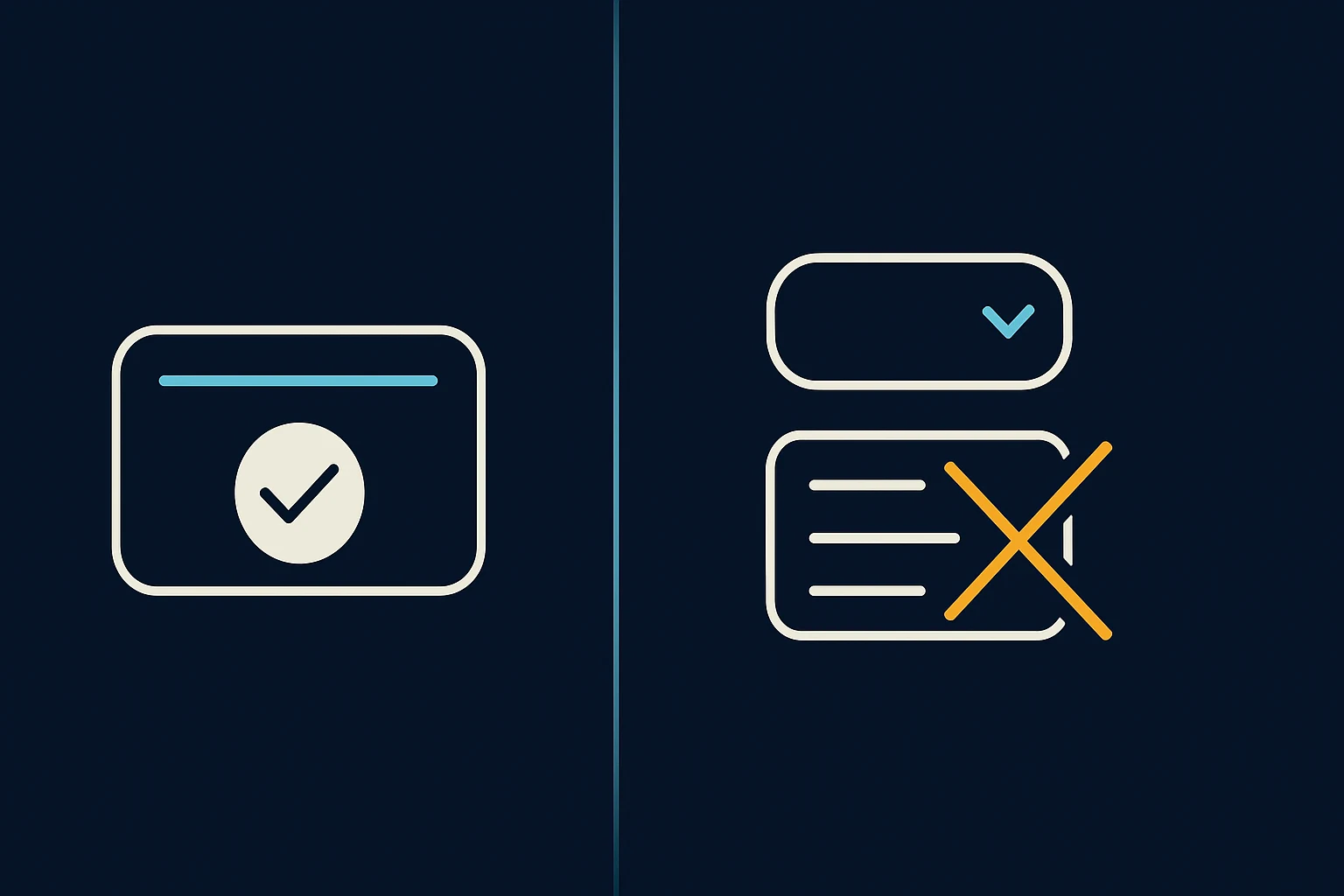
Why eBay asks for more than a description
Depending on the category your item falls into, eBay often requires a set of required details for that category to be filled in before a listing can go live — things like size, material, color, or a specific model designation. These aren't Reseller Express's requirements; they come from eBay itself, and they exist because buyers use them to filter and compare listings. A pair of shoes without a size, or a jacket without a listed material, is harder for the right buyer to find.
A photo can show you what an item looks like, but it usually can't tell you the exact material a fabric is made from, an internal size label you didn't photograph, or a spec that's only printed somewhere out of frame. That's the gap this step exists to fill.
What the product already does for you
You don't have to fill in every one of these details from a blank slate. Reseller Express automatically completes as many of eBay's required details as it reasonably can, based on the identity and condition it already worked out from your photos. If it identified the brand and model correctly, for example, it can often fill in details tied to that same identification without asking you again.
What's left after that is the handful of details the photos genuinely can't answer — the ones only you know, or the ones that need a second look at the actual item.
Why picking from a list beats typing it yourself
Wherever eBay allows it, Reseller Express shows you the remaining details as a list to choose from, rather than a blank box to type into. This is deliberate, and it's worth using even when you're tempted to just type a quick answer:
- It matches what eBay expects. eBay's required details often need to match a specific pre-approved value. Typing "Med" instead of selecting "Medium" from the list can cause the listing to be rejected or the detail to be ignored.
- It's faster. Scanning a short list of real options is quicker than typing and double-checking.
- It reduces mistakes. A typo in a free-text field is easy to miss; picking from a list removes that risk entirely.
If a detail you need genuinely isn't in the list, that's worth a closer look at the item itself before you guess — the correct value is usually there, just not the first option you'd expect.
What if you don't know an answer?
Check the item itself first — most of these details (size, material, model number) are printed somewhere on the item, a tag, or original packaging. If you genuinely can't determine one, it's better to leave it accurate and incomplete than to guess and list it wrong. An inaccurate detail is more likely to lead to a return than a missing one.
What to do next
Before you publish or export, scroll through eBay's required details for your item's category, confirm what was filled in automatically is correct, and pick an option from the list for anything still blank.