
How to Confirm Your Listing Is Actually Live on eBay
Uploading your CSV isn't the same as being live — here's how to confirm it landed on your eBay account, and the mix-up to avoid.
The one thing that actually confirms it
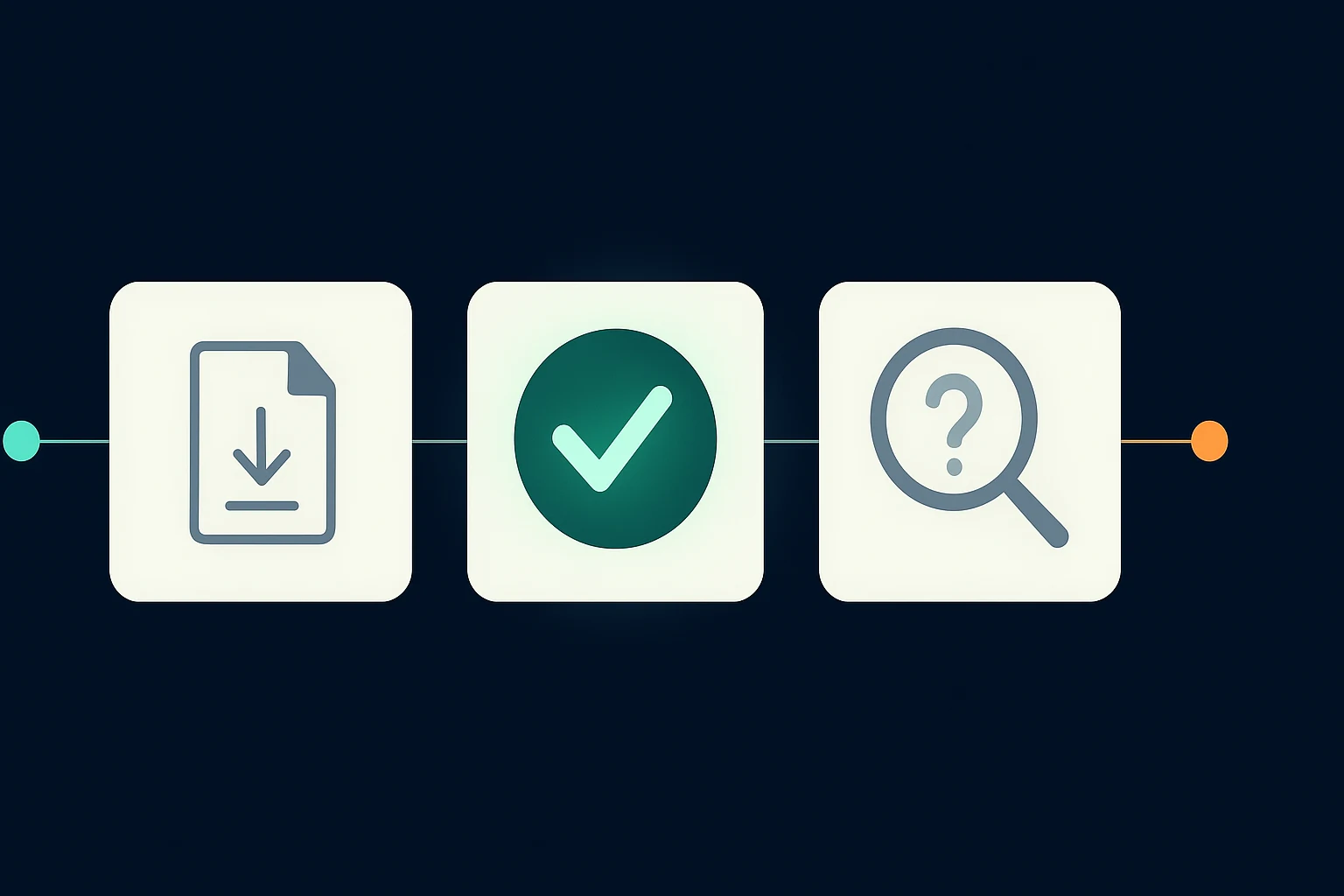
For most sellers, the real path is exporting a CSV and uploading it yourself to your own eBay account. That upload step is where the listing actually goes live — Reseller Express prepares the file, but it's eBay's own upload tool, on eBay's own site, that accepts it and puts it in front of buyers. The one thing that actually confirms your listing is live is checking your own eBay account directly — your Active Listings, or the results screen eBay's upload tool shows you right after you upload the file. That's the confirmation to look for, not a "download complete" message from Reseller Express, which only tells you the file was generated, not that eBay accepted it.
If you don't see the item in your Active Listings on eBay yet, treat it as not confirmed. It doesn't necessarily mean something is broken — it can simply mean the upload hasn't been done yet, or eBay's own tool flagged something to fix before it accepts the file.
The mix-up that catches people both ways
There are two common ways sellers get this wrong, in opposite directions:
Assuming it worked when it didn't. Downloading the CSV from Reseller Express can feel like the finish line — but that step only produces the file; it hasn't touched eBay yet. If you never actually open your eBay account and look for the item, it's easy to assume it's live by default. Get in the habit of checking your own Active Listings every time, not just the fact that the download worked.
Assuming it failed when it actually worked. The reverse also happens: the listing uploads successfully, but because there wasn't an obvious confirmation inside Reseller Express itself, a seller assumes it didn't go through and tries again, or gives up. If eBay's own upload tool didn't report an error, and some time has passed, check your Active Listings before concluding anything failed.
What to do if you don't see it on eBay
- Check back after a moment. eBay's own upload results can take a short time to reflect in Active Listings.
- Look for an error report from eBay's own upload tool. If the upload genuinely failed, eBay typically shows you which rows had a problem and why.
- Fix and re-export. If eBay flagged a specific field, go back to your listing in Reseller Express, correct it, and generate a fresh CSV.
- If your account has early access to direct publish, a "Live on eBay Sandbox" badge appears on the listing after a successful direct publish — but that's a test environment, not a real sale, and it doesn't apply to the CSV path most sellers use. See the note below.
If your account has Sandbox preview access
A small number of accounts can publish directly into eBay Sandbox as an early preview, instead of exporting a CSV. If that applies to you, the listing's status shows as a badge: when publishing succeeds, it's green and reads "Live on eBay Sandbox." That confirms the preview publish worked — it does not mean the item is for sale to real buyers, since Sandbox is a private testing copy of eBay. If you're using this preview and don't see the green badge, treat the listing as not confirmed yet rather than assuming it worked.
Why this matters
A listing that looks handled but isn't actually confirmed live is easy to forget about — and if you were counting on it, you might miss noticing it never went through. Making your own eBay account the one source of truth, instead of general impressions from Reseller Express's screen, removes the guesswork.
What to do next
After exporting your CSV and uploading it to eBay, go to your eBay account and confirm the item appears in your Active Listings — don't rely on the download finishing as your confirmation. If it's not there, check eBay's own upload report for an error before trying again.